
Printing
Set up your printers
This print service will allow you to print from your own computing devices to the large MFD printers we have in the school.
Set up printing
- Click on this Link to take you to a setup page with two steps.
- In the browser, begin with Step 1 and select Download and run Mobility Print.
- This will download a file which you need to install.
- After this installation has finished move on to Step 2 and select Connect and get my printers.
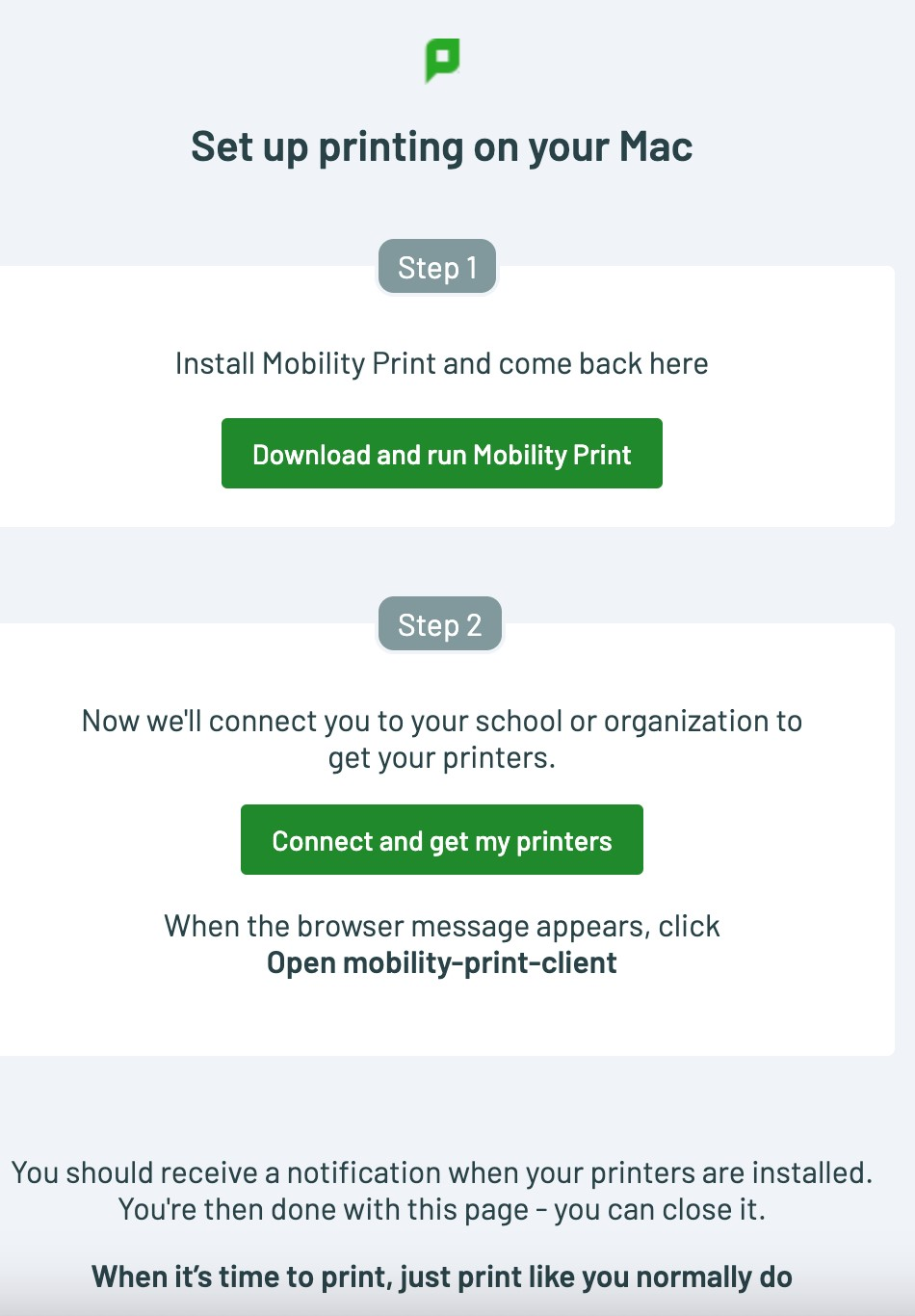
Step 2 will install the printers. Note: you may be prompted to enter admin credentials for your laptop.
- BSG Print (bsg-print) Mobility
For more detailed instructions see this guide.
Printing documents
From any application, send a print job to the above printers, you may need to click “See More…“.
At the Sign In popup, enter your BSG Username (bsog1234) and your password.